
Connection pooling for Postgres: what PgBouncer's pool modes change
Why Postgres needs a pooler, how PgBouncer's session, transaction and statement modes differ, and which features stop working in transaction mode.
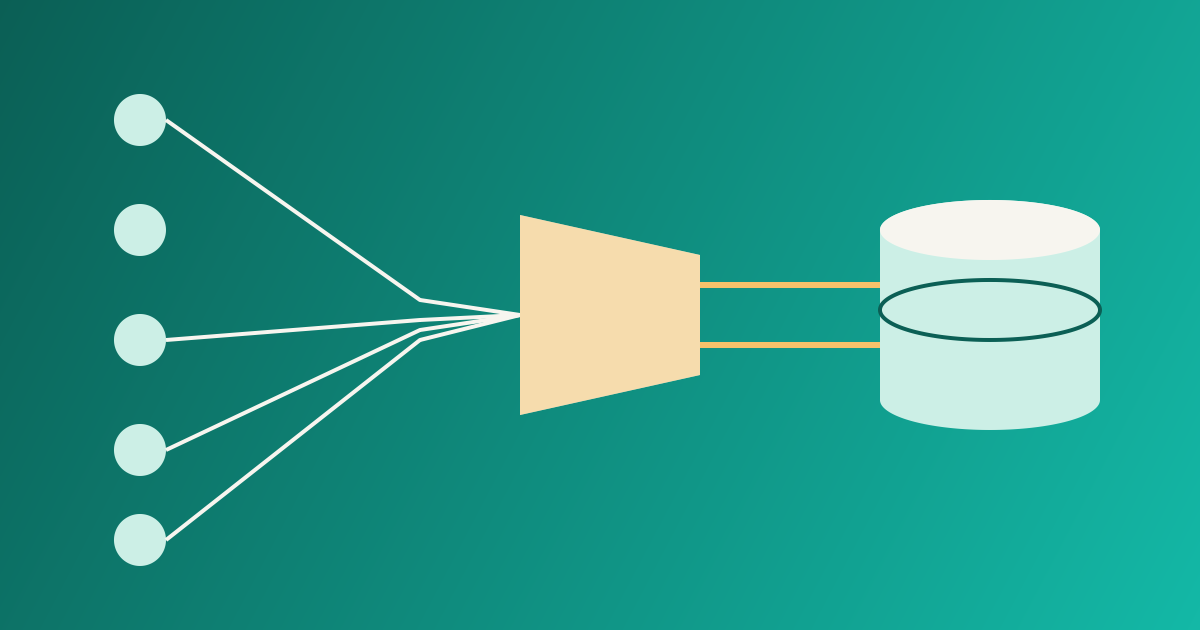
A Postgres connection is not a cheap thing. Each client connection gets its own server process, with its own memory and its own share of the work the server has to do. That is fine at 50 connections. It gets uncomfortable at 500, and a fleet of application pods, each holding a pool of its own, can reach that number faster than you expect.
A connection pooler sits between your application and the database and lets many client connections share a small number of real server connections. PgBouncer is the best-known one. This article explains the three pool modes it offers, what you give up in the most useful one, and a short checklist for turning it on safely.
The problem it solves
Most application connections are idle most of the time. A web request grabs a connection, runs a few queries over some milliseconds, and then the connection sits waiting for the next request. Multiply that by many pods and you hold a lot of server processes that do nothing.
A pooler turns that around. Clients connect to PgBouncer, which is light. PgBouncer keeps a limited set of real connections to Postgres and hands one to a client only when it is needed.
flowchart LR
  A[App pod 1] --> P[PgBouncer]
  B[App pod 2] --> P
  C[App pod 3] --> P
  P -->|few server connections| D[(Postgres)]
The three pool modes
The PgBouncer feature documentation describes three modes. The choice decides when a server connection goes back into the pool.
| Mode | A server connection is held... | Compatibility |
|---|---|---|
| Session | until the client disconnects | Everything Postgres offers works |
| Transaction | only while a transaction runs | Session features are off limits |
| Statement | only for one statement | No multi-statement transactions |
Session mode is the conservative default (it is the default value of pool_mode, according to the configuration reference). It saves you little if your clients hold connections open for a long time, because one client still ties up one server connection.
Transaction mode is where the real savings are. The server connection returns to the pool the moment the transaction ends, so a small pool can serve a very large number of clients.
Statement mode goes further and forbids transactions that span several statements. The documentation says it is mainly aimed at PL/Proxy, so most applications will not want it.
What stops working in transaction mode
Here is the catch. If the next transaction from the same client may run on a different server connection, anything that lives in the session is unreliable. The compatibility table lists these as never supported in transaction mode:
SETandRESET(session-level settings)LISTEN(whileNOTIFYstill works)WITH HOLDcursors- SQL-level
PREPAREandDEALLOCATE - temporary tables that persist beyond a transaction
- the
LOADstatement - session-level advisory locks
Warning
Session-level advisory locks are easy to miss. Migration tools and job runners sometimes use them to make sure only one instance runs. Through a transaction-mode pooler, the lock can be taken on one server connection and the unlock sent to another. Use a direct connection for those tools, or transaction-level locks.
Two of these have simple replacements. For settings, use SET LOCAL inside a transaction, which is scoped to that transaction and so is safe to pool. For temporary data, use ON COMMIT DROP tables, which the compatibility table lists as working.
This matters for row-level security too. If your application sets a tenant identifier with a session setting, switch to a transaction-scoped one, as we do in Row-level security in Postgres. A tenant setting that leaks from one client to the next is the kind of bug you really do not want.
BEGIN;
SELECT set_config('app.tenant_id', '42', true); -- true = local to this transaction
SELECT count(*) FROM invoices;
COMMIT;
Prepared statements
Many database drivers use protocol-level prepared statements to save planning work. For a long time these were awkward behind a transaction pooler, because the statement was prepared on one server connection and the next execute might land on another.
PgBouncer now tracks them. According to the configuration reference, when max_prepared_statements is non-zero, PgBouncer remembers the named prepared statements of each client and prepares them again on whichever server connection the client gets. The default is 200. Setting it to 0 turns the support off. The value is the size of a cache of prepared statements per server connection.
SQL-level PREPARE, EXECUTE and DEALLOCATE are different: they are passed straight to Postgres and not tracked, so they stay unsupported in transaction mode. In practice most drivers use the protocol-level form, so you may never notice. If your driver has a setting for "simple protocol" or "no prepared statements", check what it does before you decide.
Settings worth knowing
These defaults come from the configuration reference:
default_pool_size(20): the maximum number of server connections for each user and database pair.max_client_conn(100): the maximum number of client connections. Raising it may need a higher file descriptor limit in the operating system.reserve_pool_size(0, off): extra connections that may be opened once a client has waited longer thanreserve_pool_timeout(5 seconds by default).server_reset_query(DISCARD ALL): cleans a connection before another client gets it. It is skipped in transaction mode, because that mode is not meant to rely on session state.
A common mistake is to size the pool by guessing a large number. A better habit is to start small, watch how long clients wait for a server connection, and raise the pool only when you can see waiting. More server connections than the database has CPU cores to run rarely makes queries faster.
A short checklist before you switch
- List every place your code and tools use
SET,LISTEN, temporary tables, cursors that outlive a transaction, and session advisory locks. - Move tenant or request settings to
SET LOCALorset_config(..., true). - Point migrations and other admin tools at a direct connection, or a session-mode pool.
- Confirm
max_prepared_statementsis non-zero if your driver uses named prepared statements. - Roll out to one service first, and watch error rates and wait times.
- Keep a direct path for the occasional job that really needs a full session.
Pooling is not a cure for slow queries. If a plan is bad, a pooler only lets more clients wait on it. Read the plan first, as in Reading EXPLAIN ANALYZE, and use the pooler to keep the connection count sane.